CAD Design / Engineering / Product Development

Why CAD Design Rework Keeps Delaying Product Development—and How Engineering Teams Can Fix It

A practical look at the workflow problems behind repeated CAD rework—and how engineering teams can reduce avoidable redesign, downstream issues, and product development delays.

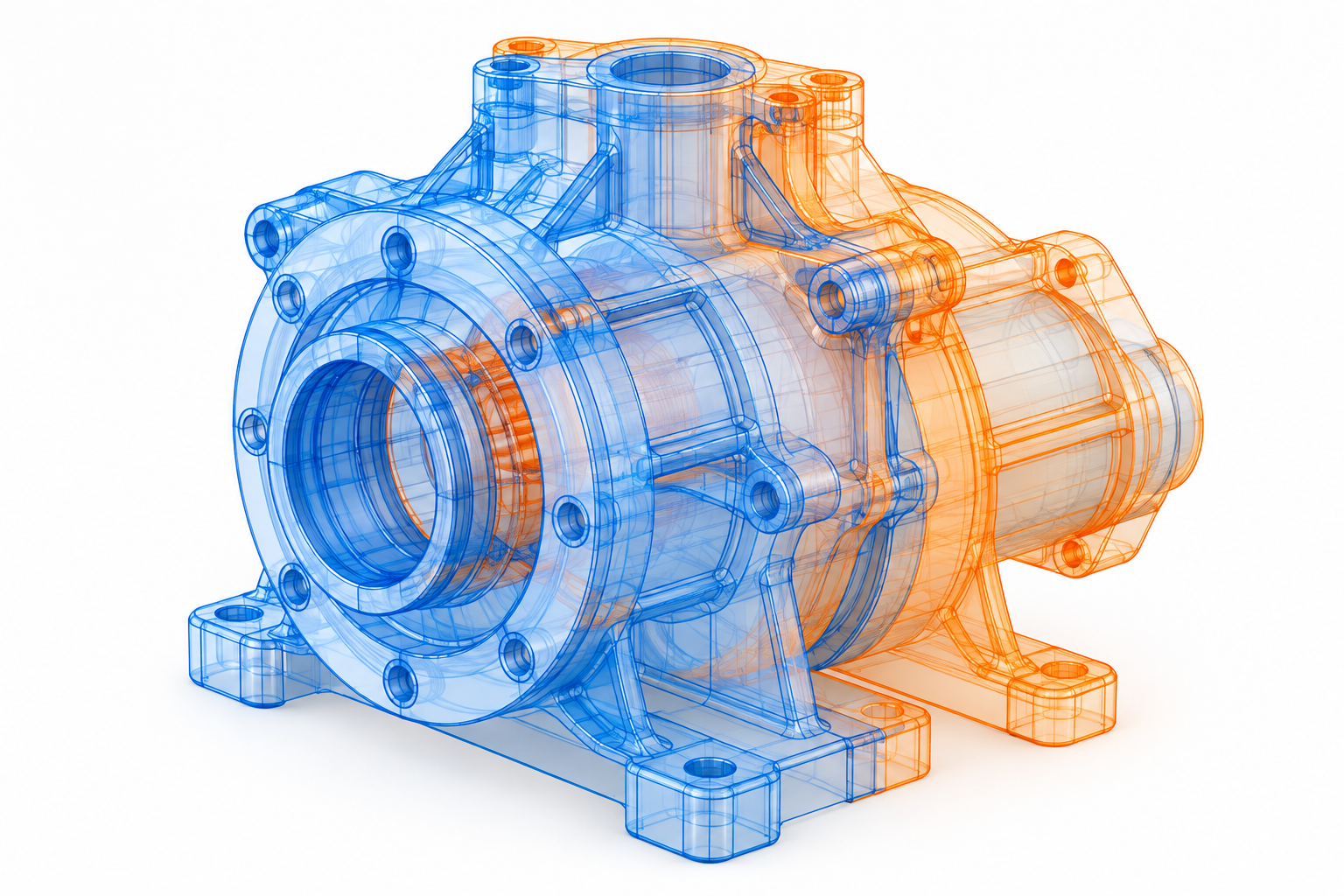
CAD design rework affecting product development workflow

CAD Engineering      Engineering Insights      3.5 min read

CAD design rework is rarely caused by a single modeling mistake. In many engineering organizations, repeated rework comes from a combination of outdated design data, inconsistent modeling practices, late design changes, poor revision control, and disconnected workflows between engineering and manufacturing.

The result is more than additional CAD hours. Rework can delay prototypes, increase engineering change orders, create manufacturing issues, and slow the overall product development cycle.

For engineering teams working under tight product launch schedules, the solution isn’t simply asking designers to work faster. The bigger opportunity is to identify why rework keeps happening and remove those bottlenecks from the workflow.

What Is Causing CAD Design Rework?


01

Engineers Are Working With the Wrong CAD Version

One of the most common sources of rework is inconsistent CAD data.

When teams exchange files through email, shared folders, or local storage, engineers can end up modifying outdated models or drawings. A change made by one team may not reach another team before work continues.

This creates a familiar cycle:

Wrong version → design changes → duplicate work → review → correction → rework

How to fix it: Establish controlled revision management and a centralized source of truth for CAD models, drawings, assemblies, BOMs, and related engineering data.

CAD design rework

02

Manufacturing Problems Are Found Too Late

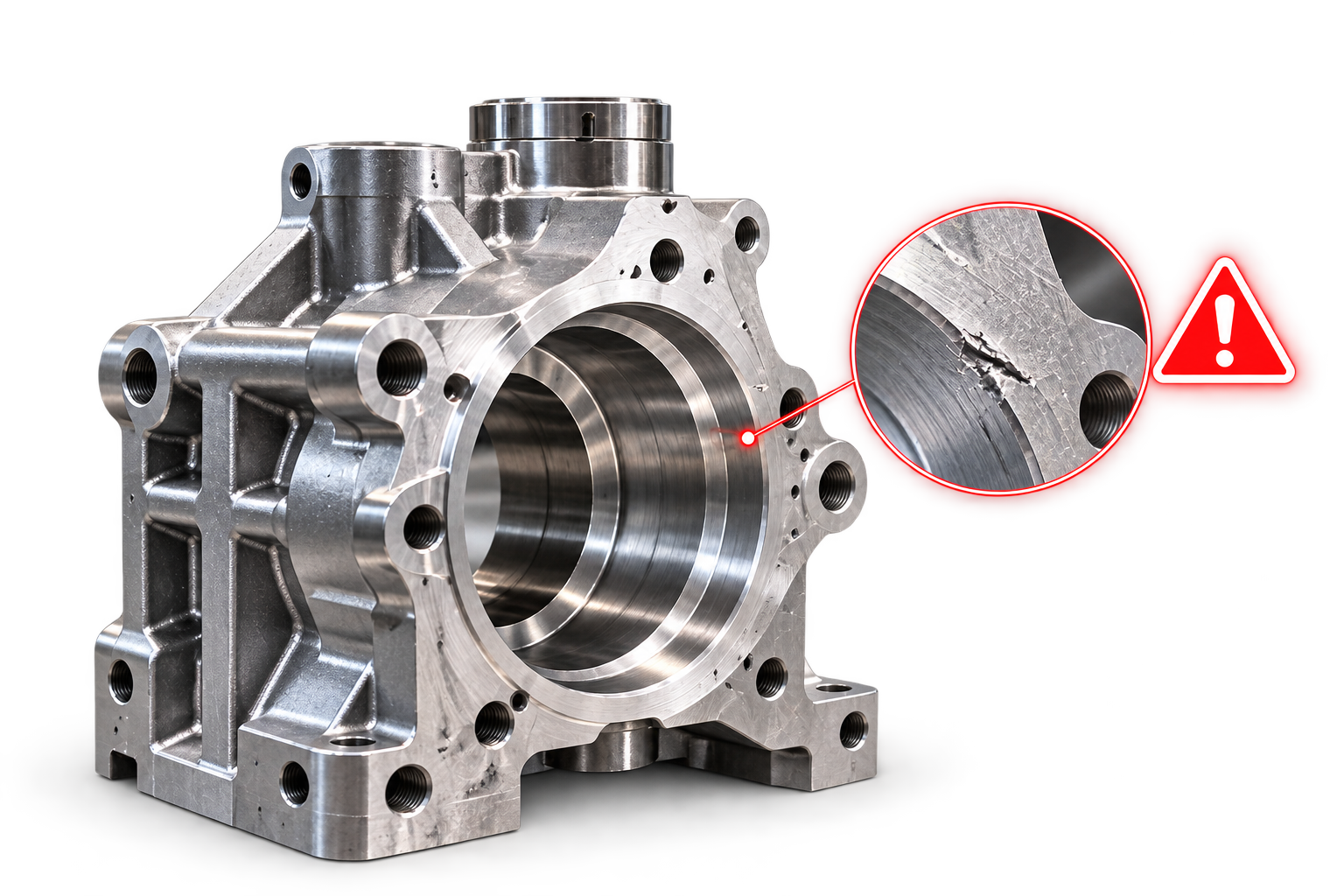
A CAD model can look correct from an engineering perspective and still create problems during manufacturing or assembly.

Issues with tolerances, accessibility, material selection, part geometry, or manufacturing processes may only become visible after the design has progressed significantly.

At that point, changing one component can affect drawings, assemblies, BOMs, supplier information, and other connected documentation.

How to fix it: Introduce Design for Manufacturing (DFM) reviews earlier in the development process. Manufacturing requirements should influence the design before the model reaches final release.

CAD revision control and engineering design rework

03

CAD Models Aren't Built for Future Changes

Some CAD models are created to solve the immediate design requirement but become difficult to modify later.

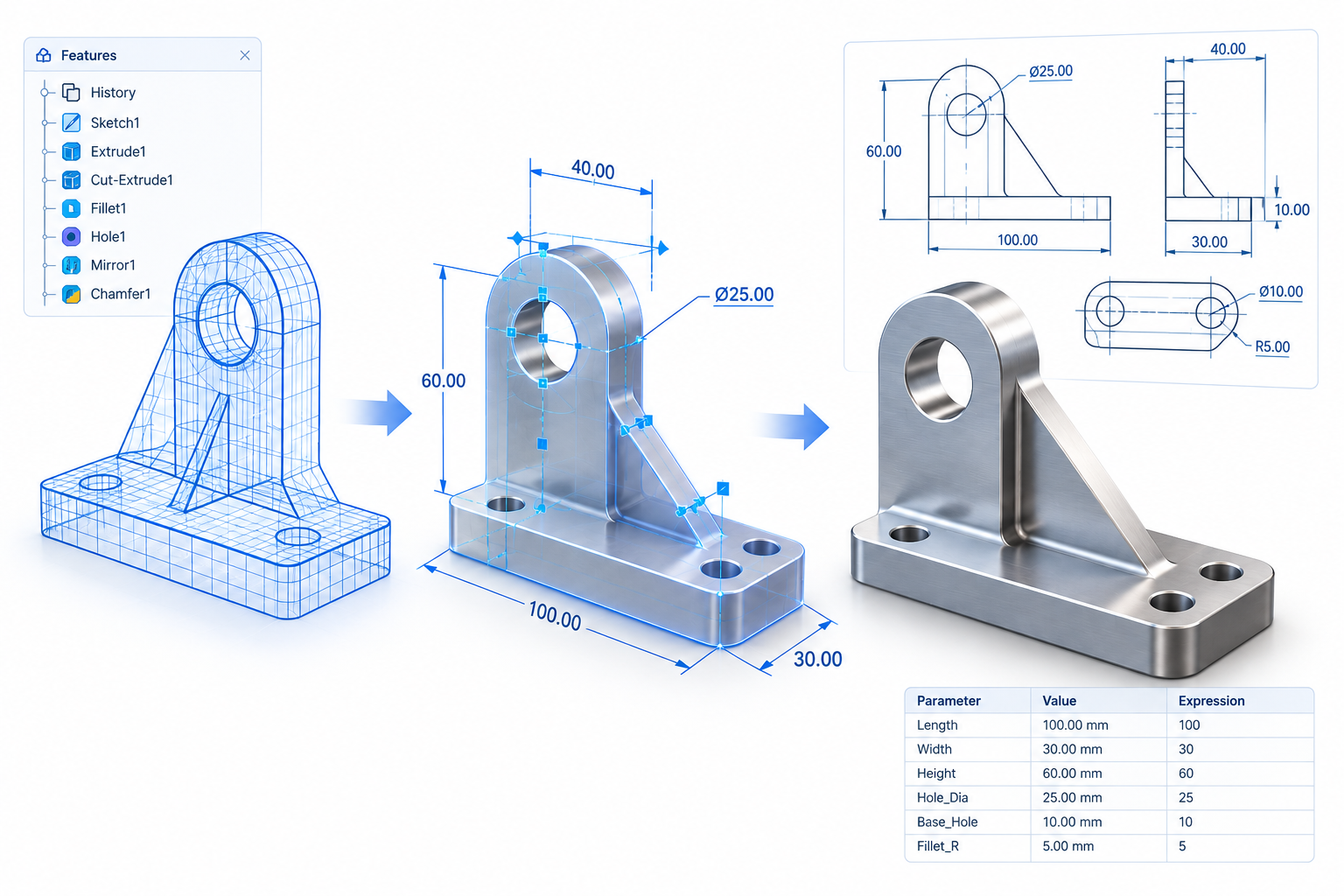
Poor feature structure, unnecessary dependencies, inconsistent parameters, and weak design intent can turn a simple engineering change into hours of remodeling.

A better CAD model should not only represent the current product. It should also be structured so engineers can make future changes without rebuilding large portions of the design.

How to fix it: Establish modeling standards around parametric relationships, reusable components, feature structure, templates, and design intent.

CAD CAD design validation for manufacturingrework

04

CAD Workflows Are Too Manual

Engineers often spend time on repetitive activities such as creating similar components, updating drawings, checking models, managing configurations, converting files, or preparing engineering documentation.

When these activities are performed manually across hundreds of designs, small inconsistencies can accumulate and create additional review and correction work.

How to fix it: Identify repetitive, rules-based CAD activities that can be automated. CAD automation can improve consistency while allowing engineers to spend more time on actual design decisions.
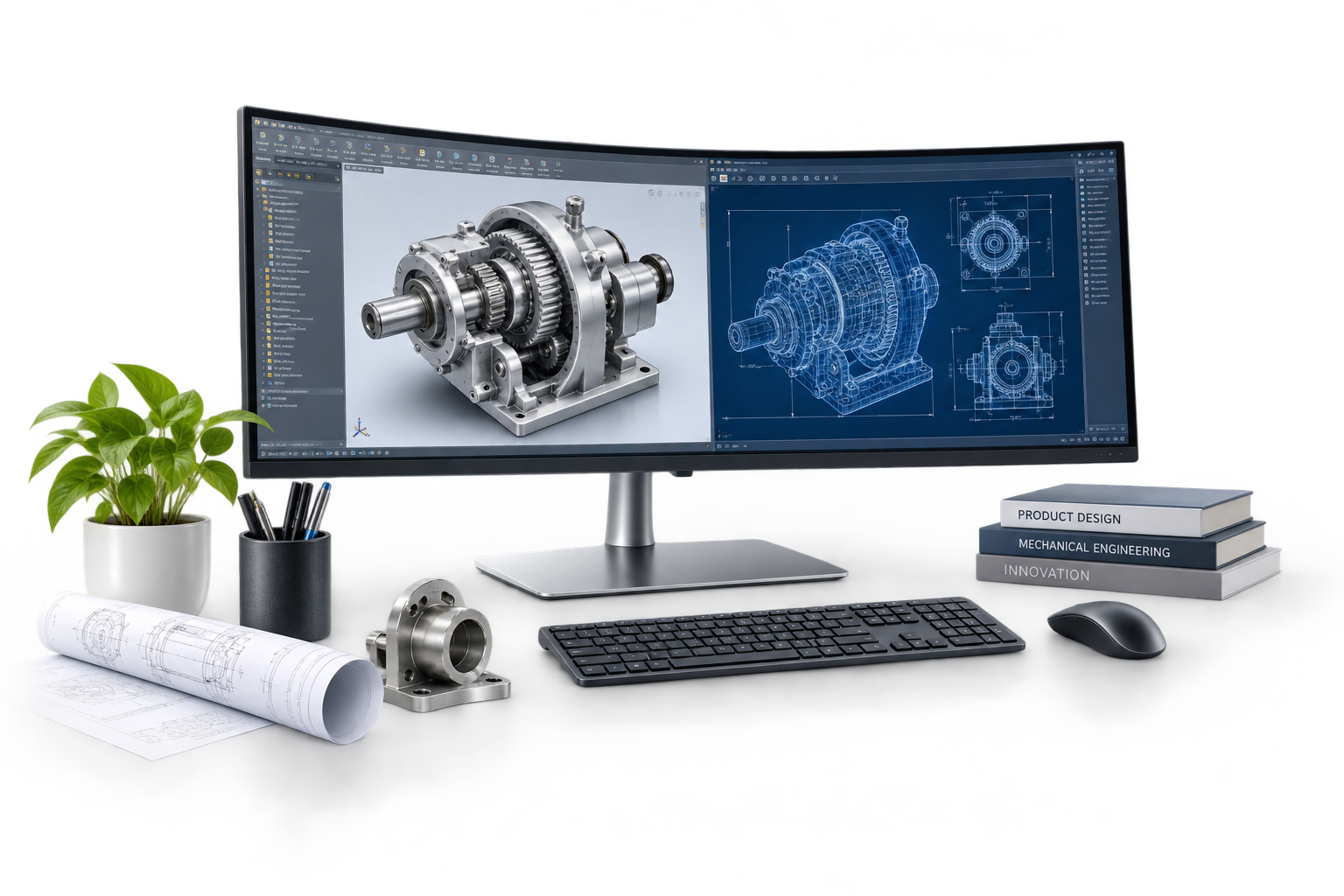
CAD automation for engineering workflows

Engineering workflow

Wrong Version → Design Changes → Duplicate Work → Review → Correction → Rework

How Engineering Teams Can Reduce CAD Rework

Reducing CAD rework doesn’t necessarily require replacing the entire engineering environment. A more practical approach is to address the biggest sources of repeated work.


01

Standardize CAD Design Practices

Create consistent standards for:

• Part and assembly modeling
• CAD templates
• Naming conventions
• Drawing practices
• Revision control
• Component libraries
• BOM structures

Standardization makes designs easier to review, modify, reuse, and hand over between teams.


02

Strengthen CAD Data Management

As CAD environments grow, managing files through disconnected folders becomes increasingly difficult.

PDM and PLM systems can help control revisions, approvals, relationships, and access to engineering information. The goal is to ensure that engineers and manufacturing teams are working from reliable and current product data.


03

Validate Earlier

The earlier an engineering problem is identified, the less expensive it is to correct.

Instead of waiting until final design review or manufacturing to discover issues, organizations can introduce earlier checks for manufacturability, design standards, assembly requirements, and engineering constraints.

This changes the process from:

Design → Release → Problem → Rework

to:

Design → Validate → Review → Release


04

Automate Repeatable Work

Not every engineering task requires manual effort.

Where processes are predictable and rules-based, automation can reduce repetitive CAD operations, improve consistency, and shorten design cycles.

The objective isn’t to replace engineering judgment. It is to remove unnecessary manual work from the engineering workflow.

The Real Goal: Fewer Engineering Bottlenecks

CAD rework should not be viewed only as a designer productivity issue.

If engineers repeatedly encounter the same problems, the organization needs to look at the workflow behind those problems.


Are teams working with outdated files?

Are manufacturing requirements introduced too late?


Are CAD models difficult to modify?

Are revisions being controlled properly?


Are repetitive tasks consuming engineering capacity?

Answering these questions can reveal the real source of product development delays.

For engineering organizations, reducing CAD design rework is ultimately about creating a more predictable path from design concept to manufacturing.

With better CAD standards, controlled engineering data, earlier validation, automation, and stronger collaboration between engineering and manufacturing, companies can reduce unnecessary redesigns, minimize downstream issues, and make better use of engineering resources.

For organizations managing complex CAD environments, legacy engineering data, or recurring design bottlenecks,

Jaydu provides CAD engineering, CAD data migration, design automation, engineering systems, and related product development support to help build more efficient and controlled engineering workflows.